
The Microsoft Mega Backdoor Roth: A Retirement Game Changer
THE SHORT VERSION
- The 2026 all-in 401(k) limit is $72,000, before catch-ups. After the $24,500 deferral limit and Microsoft’s match, up to $35,250 of after-tax space remains, and Microsoft lets you convert it to Roth automatically.
- A Roth dollar can provide more after-tax spending power. Tax-free growth, tax-free qualified withdrawals, no required distributions.
- One critical election to make. Automatic in-plan Roth conversion keeps growth tax-free from day one.
- Plan around the two Roth five-year rules. Especially for early retirement, they decide when Roth dollars can come out without tax or penalty.
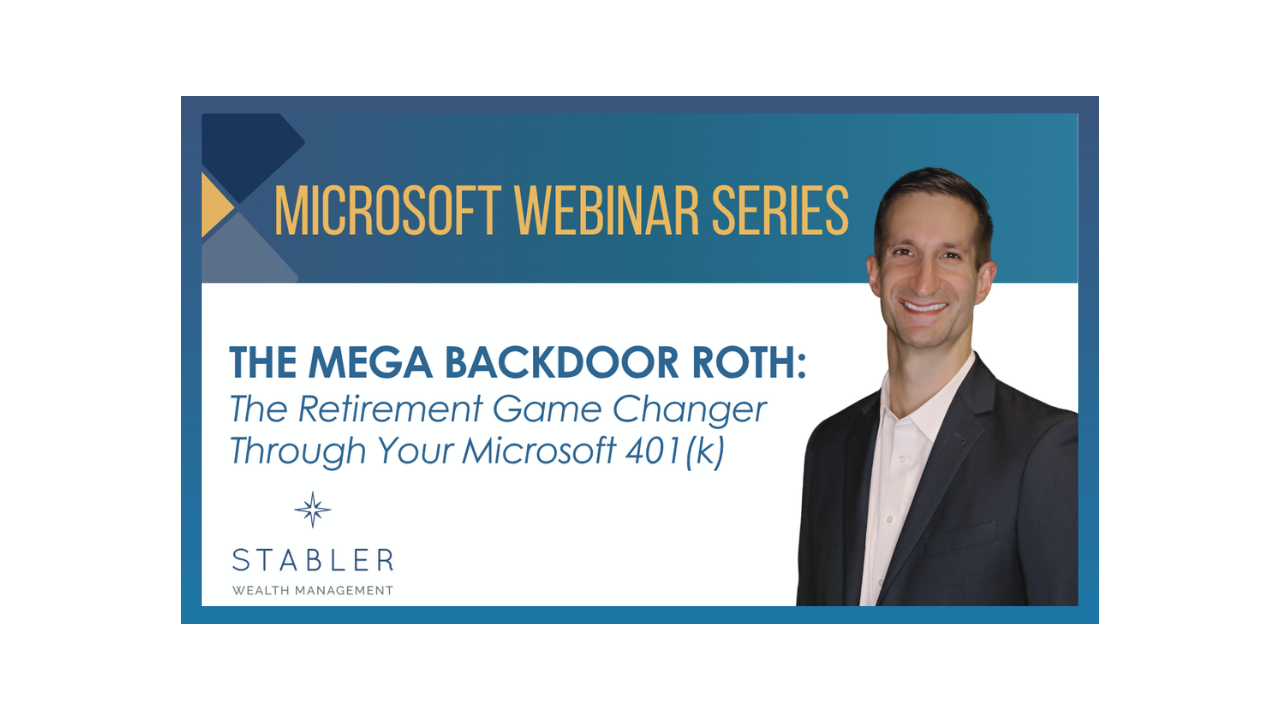
*You may also want to watch our recent webinar: The Mega Backdoor Roth: The Retirement Game Changer Through Your Microsoft 401(k)
A $1 million 401(k) balance is not really $1 million
Picture two retirement accounts, each holding $1,000,000. The first is a traditional pre-tax 401(k). Every dollar that comes out is taxed as ordinary income, so that $1,000,000 might fund something closer to $700,000 of actual spending after taxes.* The second is a Roth account: $1,000,000 in, $1,000,000 out. Same statement balance, very different retirement.
* Illustrative only, assuming roughly a 30% combined effective tax rate on withdrawals; your rate will differ.
For Microsoft professionals the gap matters even more. Pre-tax dollars come out as ordinary income at rates you cannot predict today, required minimum distributions eventually force withdrawals whether you need them or not, and if you plan to retire before Medicare, your reported income (MAGI) drives what you pay for health insurance. A Roth bucket gives you much more control over how and when taxable income shows up in retirement, and heirs generally inherit Roth assets tax-free. Yet at Microsoft incomes the front door to a Roth IRA closes, which is why most people’s tax-free bucket stays nearly empty, and why the back door through your 401(k) matters.
The after-tax bucket hiding in your 401(k)
Most people know two ways into the 401(k): regular deferrals and, from age 50, catch-up contributions. There is a third: the after-tax bucket. The IRS limit on total 401(k) contributions from all sources is $72,000 in 2026. Your deferrals ($24,500) and Microsoft’s match (50% of deferrals, up to $12,250) leave a gap of up to $35,250, and the plan lets you fill it with after-tax contributions that convert to Roth automatically.
That is the Mega Backdoor Roth. No income limits, on top of your match, sitting in plain sight on Fidelity NetBenefits.
Two catch-up notes for those 50 and older. The catch-up is $8,000 in 2026, and it rises to $11,250 at ages 60 through 63. And under a recent law change, if your prior-year wages were above $150,000 (the 2026 IRS threshold), catch-up contributions must now go directly into the Roth bucket rather than pre-tax. While that removes the pre-tax option, it also increases the amount accumulating in the Roth bucket.
How to turn it on
1. Set your after-tax contribution percentage on Fidelity NetBenefits
2. Enable automatic in-plan Roth conversion, so growth is tax-free from day one
3. Fund it through payroll, selling RSUs as they vest (February, May, August, November) to replace the redirected cash flow
4. Sanity-check the election against your remaining paychecks this year
5. Each January, recheck your elections when the limits reset
A sequencing note: we generally fill the pre-tax deferral early in the year, so a mid-year layoff or departure does not leave the match or the deferral behind, then let the after-tax run.
One caution to look out for: the old after-tax balance
An old after-tax balance that was never converted sits in no-man’s-land, no deduction going in and taxable gains coming out. Here is why the automatic election matters so much: suppose $150,000 of after-tax contributions sat unconverted and grew to $200,000. Converting now means paying ordinary income tax on the $50,000 of growth. Convert each contribution right away instead, and there is essentially no growth to tax (hypothetical, for illustration). So, one thing worth doing this week: log in to Fidelity NetBenefits and check whether an after-tax balance has built up. If one has, do not simply convert it in place, since the accumulated growth would be taxed now. A split rollover, contributions to a Roth IRA and growth to a traditional IRA, can sometimes avoid recognizing the accumulated gains today, but the pre-tax IRA balance it creates can complicate future Backdoor Roth IRA contributions under the pro-rata rule, so it needs to be coordinated with the rest of your Roth and IRA strategy before acting.
The five-year rules, and why starting now matters
If early retirement is part of the plan, one date matters more than people expect: when you opened your first Roth IRA. The Roth IRA has its own five-year clock before earnings come out tax-free, it applies even after age 59 1/2, and time in your Roth 401(k) generally does not carry over to start it. The Mega Backdoor Roth alone leaves that clock at zero, so open and fund a Roth IRA early, even with a small amount; the clock runs on calendar years, so a dollar in before December 31 puts this year on the board. Additional five-year rules can apply to conversions and to withdrawals before age 59 1/2, so if you plan to retire in your 50s and manage income for ACA health insurance, map which dollars unlock when, before you need them.
What ten years can build
Consider a hypothetical 45-year-old Microsoft professional who plans to retire at 55. He already maxes his pre-tax 401(k) and ESPP, his RSUs vest quarterly, and his Roth bucket is nearly empty. He turns on after-tax contributions with automatic Roth conversion, backfills his paycheck by selling RSUs as they vest (which also trims his Microsoft stock concentration), adds the $8,000 Roth catch-up from age 50, and maxes a $7,500 Backdoor Roth IRA each year. None of this is new saving; it is a reshuffling. RSUs are taxed when they vest whether they hold or sell, so treating each vest like a cash bonus and redirecting it costs nothing extra and trims his single-stock risk at the same time.
Over ten years he contributes $467,500 to Roth accounts. At a hypothetical 9% annual return, that grows to roughly $700,000 of Roth assets at 55, and his full picture, including pre-tax contributions and the match, grows by more than $1.25 million, over half of it in Roth. His five-year clocks? Finished with years to spare.
This is a hypothetical example and is not representative of any specific investment. Your results may vary. 9% reflects the S&P 500’s long-term historical average; a balanced portfolio would be lower. 2026 contribution limits held constant for illustration.
How the Savings Opportunities Add Up
Stack every bucket and the ceiling is higher than most people think: the 401(k)’s $72,000 all-in limit including the match, catch-ups from age 50, the family HSA, a Backdoor Roth IRA, and the ESPP together let a Microsoft professional put well over $100,000 a year into tax-advantaged or discounted accounts, much of it funded by simply redirecting RSU vests. If that number feels far away, start with the highest-impact bucket and work down; the order matters more than the total.
The four mistakes we see most often
- Concentrating savings in RSUs, ESPP, and Microsoft stock instead of tax-advantaged accounts like the Mega Backdoor Roth
- Misplaying pre-tax versus Roth opportunities
- Contributing after-tax without turning on automatic conversion, leaving dollars in no-man’s-land
- Holding vested RSUs while saying there’s no cash flow to fund the Mega Backdoor Roth
The bottom line
The Mega Backdoor Roth is one of the most powerful wealth-building features in Microsoft’s benefits, and one of the most overlooked. The strategy is funded by paychecks, so the earlier in the year you start, the more room you can fill. If you would like help reviewing your elections, your old after-tax balances, or whether the strategy is your next-best lever, we are happy to help if it would be useful. You can schedule a time with us here.
Contact Us:
team@stablerwm.com | (425) 646-6327
Stabler Wealth Management and LPL Financial are not affiliated with or endorsed by Microsoft. This information is not intended to be a substitute for specific individualized tax advice. We suggest that you discuss your specific tax issues with a qualified tax advisor.
Securities and Advisory services are offered through LPL Financial, a registered investment advisor. Member FINRA/SIPC. Stabler Wealth Management is not registered as a broker-dealer or investment advisor.
Hypothetical figures are for illustration only and do not represent the performance of any specific investment.
Category
Stay Informed
Join our mailing list to receive monthly newsletters with information that impacts your financial decisions.
Certified Financial Planner
In Business 35+ Years

Microsoft Specialists
